
SpectoMED
VR surgical planning
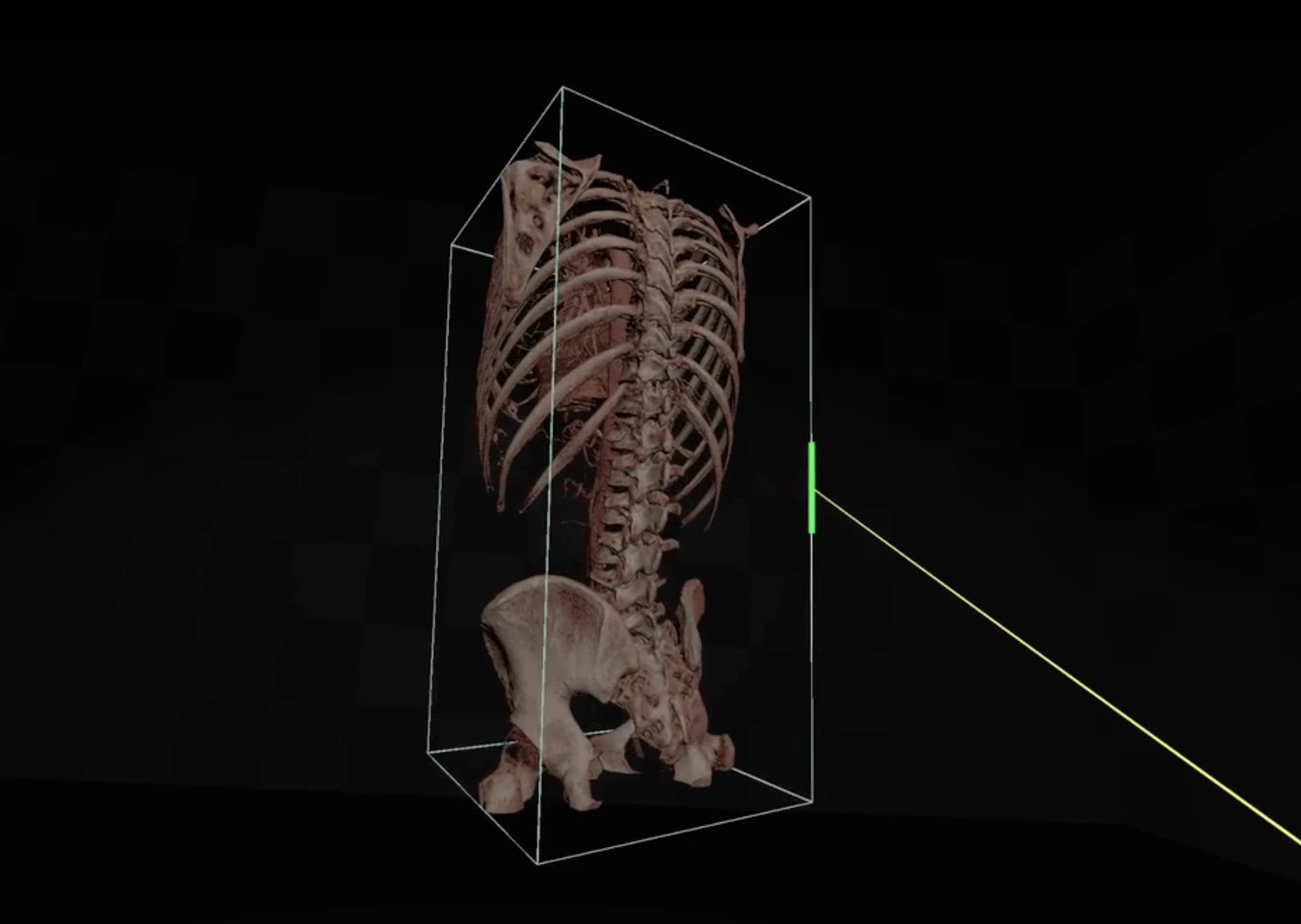
Use the SpectoMED headset view to study an approach, annotate structures and measure before the operation.
Study the approach in VR
Put the headset on and look at the anatomy from the direction of the approach. Move around the structures you need to understand before the operation.
Annotate and measure in the headset
Markers and measurements stay on the anatomy while you are in VR. Mark a structure, then measure the relationship you are checking.
What you need for VR planning
VR planning is part of SpectoMED Professional. You need a Windows computer and a Meta Quest 3, connected through the Meta Horizon Link app by cable or Air Link. SpectoMED does not run on macOS or Apple Vision Pro.
Computer, minimum
- OS: 64-bit Windows 11
- Processor: 8 cores / 16 logical processors, minimum base clock speed of 2 GHz
- Memory: 8 GB of RAM
- Graphics card: Nvidia GeForce RTX 4060 Ti 8 GB or equivalent
- Storage: SSD with 4 GB of available space
Headset
- Meta Quest 3
- Meta Horizon Link app installed on the computer
- Connection by USB cable or Air Link
Request a VR planning demo
Ask for a SpectoMED demo focused on the VR planning view.