
FAQ
Questions about Specto
Answers about products, hardware and demos.
What is the difference between SpectoEDU and SpectoMED?
SpectoEDU is for teaching and patient education. SpectoMED is the medically cleared product for clinical review and surgical planning.
What is SpectoMED cleared for?
Aid in diagnosis and surgical planning. SpectoMED (v1.0) is FDA-cleared (510(k), K242205, 14 January 2025) as SaMD class II and CE marked as MDR Class IIa.
Which planning tools does SpectoMED include?
Implant placement, annotation, measurement and approach simulation. Implant placement is part of the SpectoMED desktop application.
Can SpectoMED be used on a glasses-free 3D monitor?
No. SpectoMED runs on a standard monitor or a validated VR headset (Meta Quest 3, on Windows). Glasses-free 3D monitors are supported by SpectoEDU. Buying both products with a 3D monitor does not change this.
Which hardware does SpectoEDU support?
The Lenovo ThinkVision 27 3D, Samsung Odyssey 3D and Acer SpatialLabs glasses-free monitors, passive 3D displays, Apple Vision Pro and Meta Quest 3.
What computer and headset do I need for VR surgical planning?
SpectoMED runs on 64-bit Windows 11 with an Nvidia GeForce RTX 4060 Ti 8 GB or equivalent. For VR it uses a Meta Quest 3 connected through the Meta Horizon Link app. VR is part of SpectoMED Professional.
What computer do I need for SpectoEDU?
Windows 11 with an Nvidia GeForce RTX 4060 Ti or equivalent, or a Mac with an Apple M4 Pro chip. AI neuro segmentation needs an RTX 4070 or equivalent with 12 GB of VRAM. Glasses-free 3D monitors need Windows.
Can I order Specto with hardware?
Not directly. Specto Medical is a software company, but contact us and we'll get you an offer from one of our trusted hardware vendors.
Can several people join one session?
Yes, in SpectoEDU. With the Skills Lab package, a whole group can share one multi-user VR session, taking part or watching. SpectoMED does not offer shared sessions.
Can I use my own scans?
Yes, with SpectoEDU Professional or SpectoMED. Both load DICOM and NRRD files. SpectoEDU also comes with five anatomical models.
Which Specto product connects to a hospital PACS?
SpectoEDU Professional connects to a PACS, so you can load a scan from the hospital archive. SpectoMED loads DICOM and NRRD files and does not include PACS connectivity.
Does Specto offer augmented reality or Microsoft HoloLens?
No. Specto does not currently offer an augmented or mixed reality product. The software was validated on Microsoft HoloLens 2 in the past, but Microsoft has discontinued that headset. Specto products run on standard monitors, VR headsets and, for SpectoEDU, glasses-free 3D monitors.
Related pages
SpectoMED
FDA 510(k) and CE status, displays and planning tools.
VR surgical planning
The computer and headset you need for planning in VR.
SpectoEDU
PACS connectivity, DICOM and NRRD import, and AI neuro segmentation.
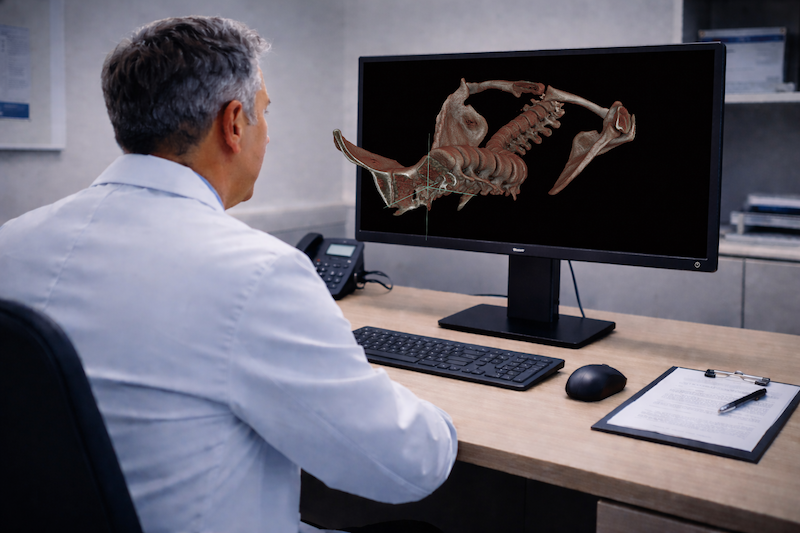
Supported hardware
Glasses-free 3D monitors, VR headsets and system requirements.
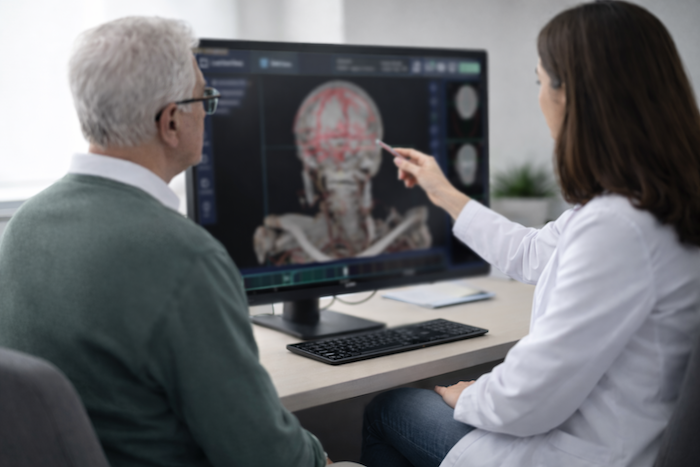
Patient education
How to explain a patient's CT scan in 3D.
Medical training
Multi-user VR sessions for a class or a team.